

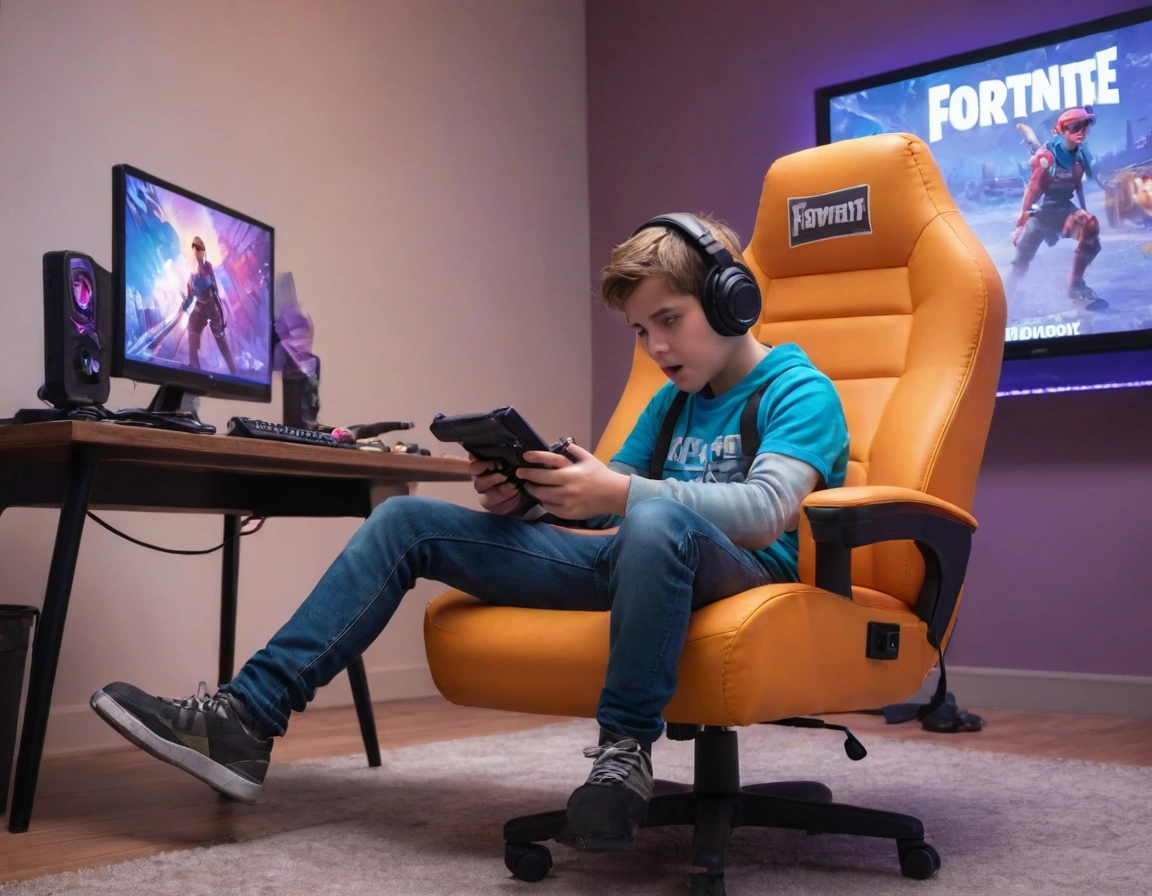
If you’ve ever crawled out of your gaming chair after a six-hour ranked binge feeling like you just got trampled by a horse in Red Dead Redemption 2, you’re not alone. Playing for hours without feeling fatigue or tension isn’t about willpower. It’s about setting up your body and your gear so your spine, wrists, and eyes don’t file a complaint at hour three.
I’ve tested this stuff the hard way. Cheap chairs, kitchen stools, sitting on the floor like a gremlin. None of it works. What follows is the no-nonsense version of what actually keeps you comfortable during long gaming sessions, backed by ergonomics research and the brutal feedback of my own lower back.
Your Chair Is the Make-or-Break Piece of Gear
An ergonomic gaming chair with lumbar and cervical support isn’t a luxury. It’s the single biggest factor in avoiding fatigue during long gaming sessions. Without lumbar support, your lower back flattens and your discs take a beating. Without neck support, your head drifts forward and your shoulders tense up within an hour.
Look for adjustable armrests too. Not the decorative kind, but the ones you can move up, down, and sideways. When your elbows sit at a 90-degree angle and your shoulders stay relaxed, the difference in comfort during long gaming sessions is night and day.
And here’s the part most people ignore: height and recline. If you’re hunched forward like a movie villain plotting revenge, your back is going to pay for it. Set the seat height so your feet rest flat and your knees sit at hip level. Then recline slightly, around 100 to 110 degrees, so your spine keeps its natural curve.
The Retractable Footrest: Small Detail, Massive Difference
A retractable footrest for long gaming sessions sounds like a gimmick until you try one. Elevating your legs reduces tension and improves circulation, which means fewer numb feet and less pressure on your lower back. It’s one of those upgrades you don’t realize you needed until you can’t go back.
If your chair doesn’t have one, a simple adjustable footrest under your desk does the trick. Cheap fix, real payoff. Your legs will thank you around hour four.
Don’t Sleep on Your Desk and Peripherals
Comfort doesn’t stop at the chair. A gaming desk with optimized space for accessories keeps your setup organized, cables untangled, and your mouse arm free to move. When your desk is a mess, you compensate with awkward postures, and that’s where tension starts.
The ergonomic mouse and keyboard combo is non-negotiable if you’re logging serious hours. A mouse that forces your wrist into an unnatural angle is a fast track to carpal tunnel syndrome. Same goes for a keyboard that’s too high or too flat. Keep your wrists neutral, elbows close to your body, and the keyboard at elbow height.
If you want hard data on this, the OSHA ergonomics guidelines spell out exactly why repetitive strain injuries happen and how workstation design prevents them. Boring reading, useful results.
Lighting and Eye Strain: The Underrated Enemy
RGB ambient lighting for an immersive experience isn’t just about aesthetics. Bias lighting behind your monitor reduces the contrast between the bright screen and the dark wall behind it, which cuts eye strain during long gaming sessions. Your pupils don’t have to constantly readjust, so your eyes stay fresher longer.
Customizable colors help too. Warm tones at night are easier on your eyes than harsh blue-white light. Pair that with a monitor that has low blue light technology and you’ll notice the difference by hour three.
Breathable Materials Keep You From Turning Into a Puddle
A breathable upholstery that prevents heat during long gaming sessions matters more than people admit. Mesh backs are the go-to for a reason: air circulates, sweat evaporates, and you don’t end up peeling yourself off the chair after a tense ranked match. If you live somewhere warm or you’re the type who gets intense during clutch moments, prioritize mesh over leather.
Leather looks great in photos. Mesh keeps you functional at hour five. Pick based on how you actually play, not how your setup looks on Instagram.
Your PC Setup Affects Your Body More Than You Think
An ideal PC setup for prolonged sessions goes beyond raw performance. Good airflow in your case and proper ventilation keep the room temperature bearable, which directly affects how long you can sit comfortably. A hot room makes everything worse: sweating, fatigue, irritability.
Then there’s the screen itself. A monitor with technology that reduces blue light and flicker makes a real difference in your performance and well-being during long gaming sessions. It’s not marketing fluff. Flicker-free backlights reduce eye fatigue, and that keeps you sharper for longer.
Movement Breaks: The Thing Nobody Wants to Hear
Here’s the uncomfortable truth. No chair, no matter how ergonomic, saves you if you sit in it for six hours straight without moving. Ergonomics is about reducing stress, not eliminating it. Stand up every 45 to 60 minutes, even for two minut