

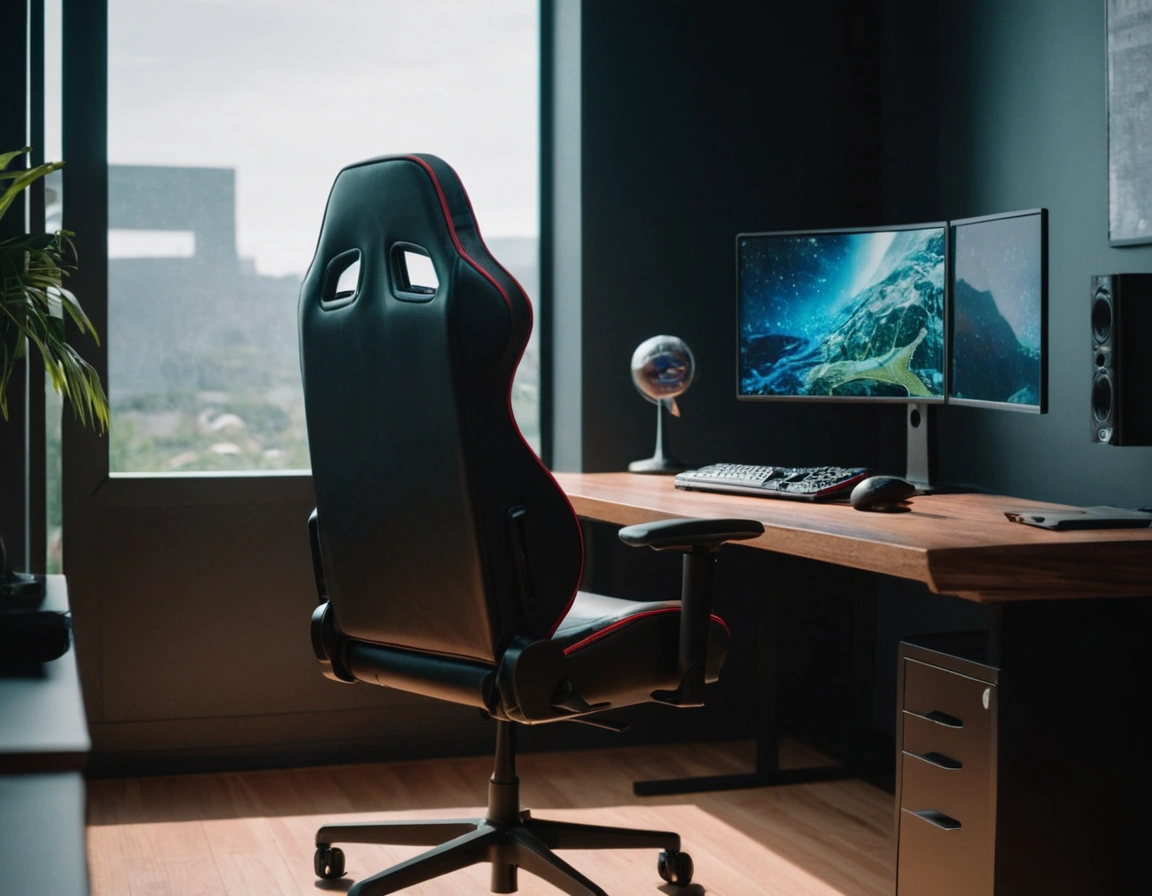
If you spend six, eight, ten hours a day parked in front of a screen, the chair under your ass matters more than your graphics card. Seriously. I’ve watched friends blow 400 bucks on a chair that looked like a race car seat and end up with a lumbar spine begging for mercy. So let’s cut the fluff: here’s how to pick the best gaming chair for back pain without getting scammed by marketing.
Ergonomics or nothing: the real difference
An ergonomic gaming chair isn’t about looking cool in your setup photos. It’s about keeping your spine in its natural S-curve while you’re grinding ranked matches or stuck in a Zoom meeting that should’ve been an email.
What does that actually mean? Your chair needs to support three zones: your lower back (lumbar), your mid-back, and your neck. If any of those float in the air with zero contact, you’re slowly training your body to hurt.
I’ll be blunt: most cheap “gaming” chairs are just bucket seats with wheels. They push your shoulders forward and round your lower back. That’s a recipe for chronic pain, not comfort.
Lumbar support: the non-negotiable feature
If you only remember one thing from this article, let it be this: adjustable lumbar support is the single most important feature of a gaming chair for back health.
Why? Because your lower back takes the brunt of sitting. Without proper support there, your pelvis tilts back, your discs compress, and by hour three you’re shifting around like you’ve got ants in your pants.
Look for a chair with a lumbar cushion you can move up and down, or better yet, one with adjustable depth. Fixed lumbar lumps that hit you in the wrong spot are worse than no support at all.
What about the backrest height?
A high backrest that reaches your head isn’t vanity. It gives your neck and upper spine somewhere to rest. If the top of the chair stops at your shoulder blades, your head will droop forward all day. Bad news for your cervical vertebrae.
Armrests: the forgotten pain source
Nobody talks about armrests until their shoulders start screaming. Here’s the deal: your elbows should rest at roughly 90 degrees, with your shoulders relaxed and down.
Fixed armrests force you into whatever position the manufacturer decided was right. Spoiler: it’s almost never right for your body. Go for 4D armrests — up/down, forward/back, left/right, and rotating. Yes, it sounds excessive. No, it isn’t once you’ve lived with them.
If your shoulders creep up toward your ears while gaming, your armrests are too high. Simple as that.
Seat depth and width: sizing actually matters
Here’s something almost no review tells you: seat depth determines whether your thighs get circulation or go numb.
You want about 2 to 3 fingers of space between the back of your knee and the edge of the seat. Less than that and you’re cutting off blood flow. More and you’ll slouch to reach the backrest.
Width-wise, you need room to shift around without your hips getting squeezed. If you’re broader than average, ignore the “one size fits all” nonsense and look for chairs rated for higher weight capacity — they’re usually wider too.
Recline: your secret weapon against disc pressure
Sitting upright at 90 degrees for hours isn’t actually ideal. Research on spinal load shows that a slight recline — around 100 to 110 degrees — reduces pressure on your lower back discs.
That’s why a reclining backrest with a locking mechanism is worth paying for. You don’t need to lie flat like you’re on a beach, but being able to lean back a few degrees and lock it there changes everything.
Pro tip: every 45 minutes, recline for two minutes and let your spine decompress. Your future self will thank you.
Materials: breathability beats leather every time
PU leather looks premium and turns into a sauna in summer. Mesh breathes. Fabric breathes. If you sweat while gaming, mesh-backed chairs are the move.
There’s a trade-off: mesh is harder to clean and feels less “premium” at first touch. But a sweaty back leads to shifting positions constantly, which leads to bad posture. Priorities.
Footrest and tilt: nice-to-have or essential?
A retractable footrest sounds gimmicky until you use one during a long session. Elevating your legs slightly reduces pressure on your lower back and improves circulation.
Tilt tension is the other underrated feature. If you can’t adjust how easily the chair rocks back, you’ll either fight it constantly or never use it.
What actually works: a quick checklist
- Adjustable lumbar support (up/down and ideally in/out)
- High backrest that reaches your head
- 4D armrests
- Seat depth that leaves 2-3 fingers behind your knees
- Recline to ~110 degrees with lock
- Breathable material if you run hot
- Weight rating that matches your body with room to spare
Skip any of these and you’re gambling with your spine. I’ve seen too many people buy based on RGB lighting and Twitch sponsorships, then wonder why their back hurts after a weekend marathon.
Budget vs. your back: a hard truth
You can find a decent ergonomic gaming chair for back pain between $200 and $400. Below that, you’re usually sacrificing lumbar adjustability or build quality. Above $600, you’re often paying for brand name and racing aesthetics.
My take: spend the money on the lumbar and armrest mechanisms. That’s where the actual ergonomics live. The carbon fiber look and neon stitching? Pure decoration.
And no, a $1,500 Herman Miller isn’t the only answer. But a $80 chair from a random marketplace listing absolutely is a problem waiting to happen.
Don’t forget: the chair isn’t everything
Even the best gaming chair for back pain won’t save you if you never move. Stand up every hour. Stretch your hip flexors. Set your monitor at eye level so you’re not craning your neck.
The chair is the foundation, not the whole house. But get the foundation wrong and everything above it suffers.
Bottom line: prioritize adjustable lumbar support, a tall backrest, 4D armrests, and a recline that locks. Ignore the flashy nonsense. Your spine will repay you with decades of pain-free gaming — and that’s worth way more than any RGB strip.